
Numbers you can trust, from data you can fix.
Reports that link back to the records behind them, imports you can preview before saving, and tools to clean up duplicates and recover mistakes.
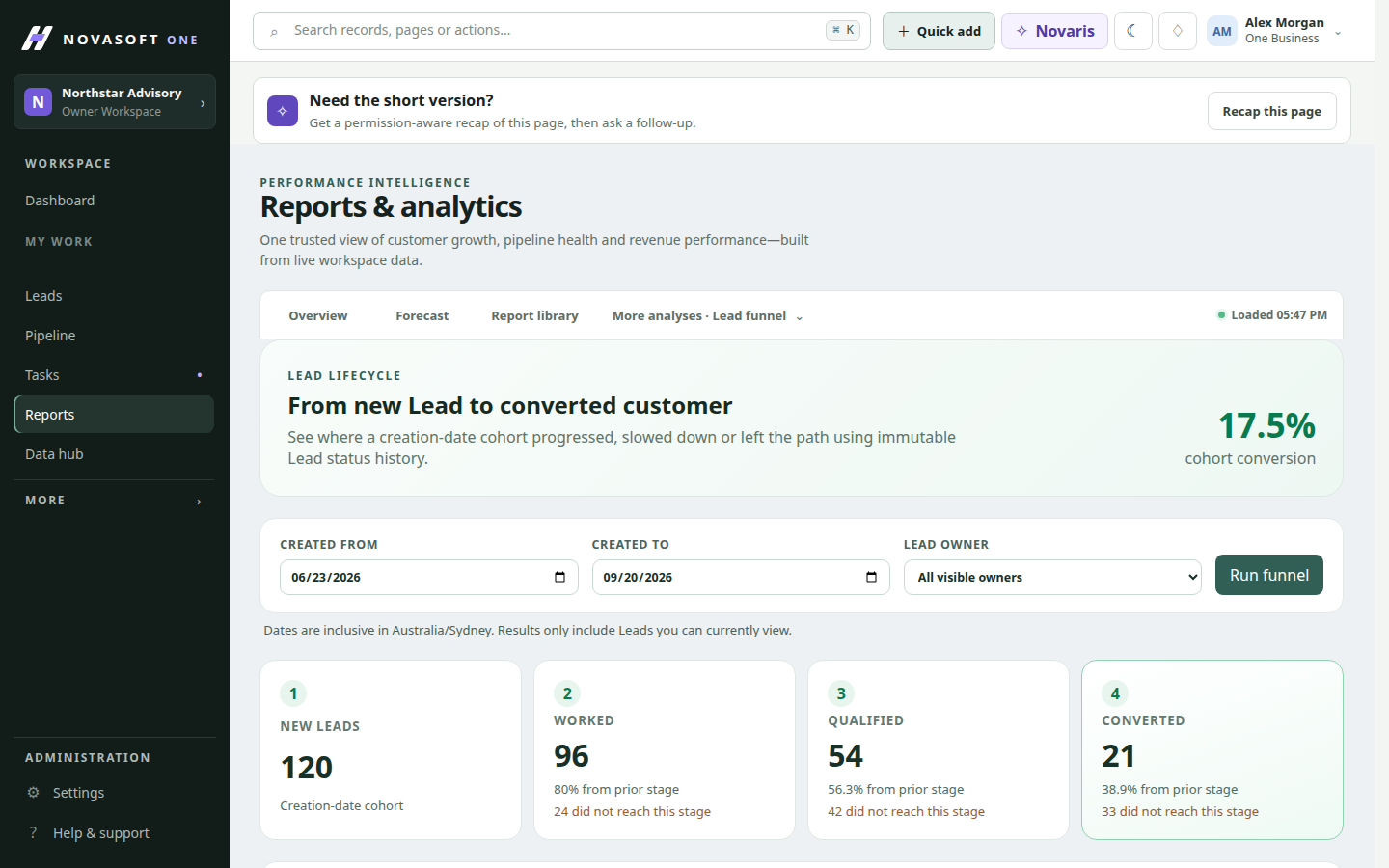
How it works
After importing a contact list, an admin notices a gap in a report. They check the import history, fix the affected rows and the report updates from the corrected records.
Bring your data in
Import contacts and companies from a CSV and preview the result before anything is saved.
Keep it clean
Find duplicates and gaps, merge records and restore anything archived by mistake.
Measure what matters
Track lead sources, conversion, forecasts and service performance, and drill into the records behind any number.
12 features in reporting and data
Each page explains what the feature does, how to use it and which plan includes it.
Questions about reporting and data
Which reporting is on each plan?
The dashboard is on every plan. Reports, the report builder and scheduled reports start on Professional. Data quality and recovery tools are on Business.
Can we undo an import?
On paid plans, imports keep a history and can be rolled back, without overwriting changes made afterwards.
Guides on this topic
Practical advice for small businesses, whichever software you use.
Five reports every small business owner should check each week
The handful of numbers worth checking every week: new enquiries by source, response time, pipeline and forecast, won and lost, and support backlog.
Running the businessKeeping your CRM data clean: a monthly routine
Duplicates, gaps and stale records quietly make a CRM less useful. A simple monthly routine and a few rules that keep your customer data trustworthy.
CRM basicsHow to move your customer list from spreadsheets into a CRM
A step-by-step plan for importing contacts and companies into a CRM: cleaning the list, mapping columns, testing a sample and checking the result.
Start with the customers you already have.
Free for up to two people, with no card needed. Upgrade when you need service, projects or automation.