
Make it work the way your business works.
Change the words, stages and fields to match your business, add your own record types, automate the repetitive steps and connect other tools.
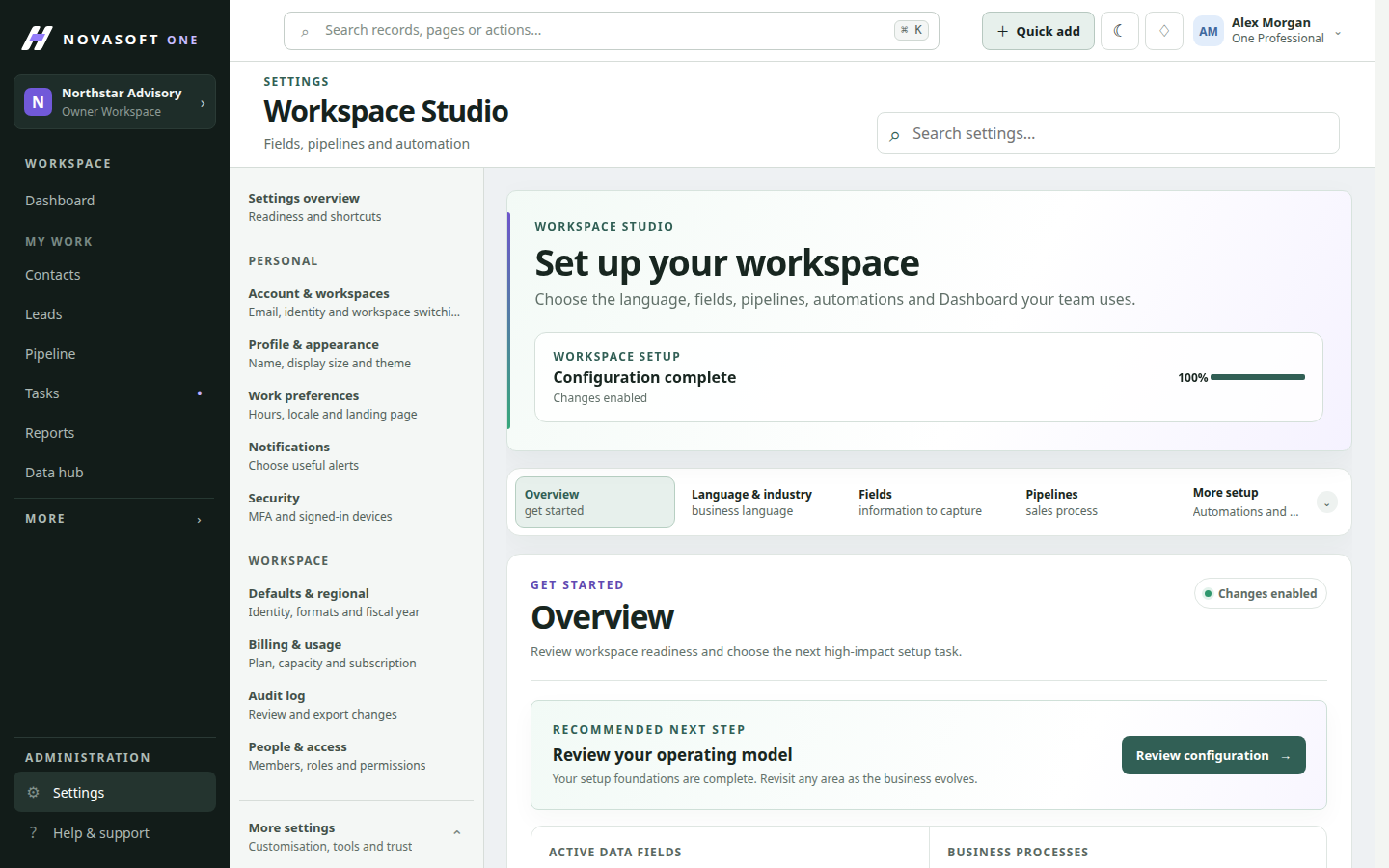
How it works
A service business tracks site inspections that don’t fit a standard CRM record. The admin creates an inspection record type, links it to companies and adds a rule that creates a follow-up task when an inspection fails.
Start from your industry
Apply one of 19 industry starting points, or set up names, fields and stages yourself.
Add what’s missing
Create custom record types, such as inspections or properties, linked to your customers.
Automate and connect
Set up rules for routine steps and connect other systems with scoped API tokens and webhooks.
14 features in customisation and integrations
Each page explains what the feature does, how to use it and which plan includes it.
Questions about customisation and integrations
Which plan includes customisation?
Industry starting points, Workspace Studio, custom records, automation and the API start on Professional. Roles and team management are on every plan.
Do API tokens have full access to our account?
No. Each token is limited to the areas and actions you allow, and can’t change billing, sign-in or integration secrets.
Guides on this topic
Practical advice for small businesses, whichever software you use.
What to automate first in a small business
Five low-risk automations that save small teams time each week, how to test a rule before trusting it, and what you should keep doing by hand.
Running the businessWho should see what: setting CRM permissions in a small business
How to decide CRM roles and permissions for owners, office staff, salespeople, field workers and contractors, with a simple starting table.
CRM basicsHow to get your team to actually use the CRM
Why CRM rollouts stall in small businesses, and the simple habits, rules and routines that make a new system part of the working week.
Start with the customers you already have.
Free for up to two people, with no card needed. Upgrade when you need service, projects or automation.