Dashboard
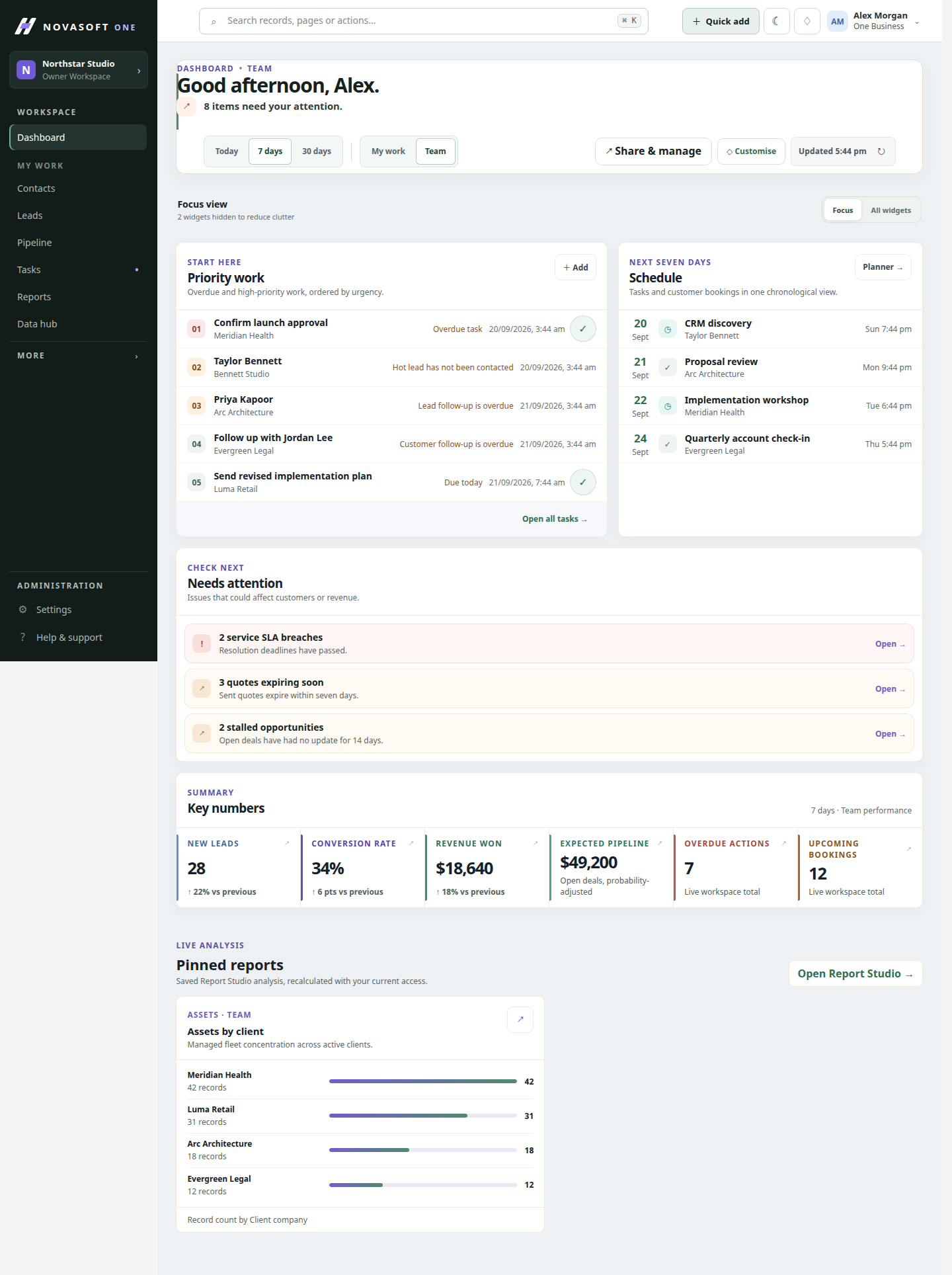
A starting point for priority work, schedules, attention items and key numbers.
Switch between personal and team views, change the time window, and open the records behind a number.
Know the whole relationship
Keep people, companies, history and next steps together so a conversation never starts from scratch.
What you can do
A starting point for priority work, schedules, attention items and key numbers.
Switch between personal and team views, change the time window, and open the records behind a number.
A working record for each person, with ownership, tags, follow-ups and linked activity.
Search and filter large lists, save useful views, update records in bulk, and open related deals, tasks, tickets and documents.
A shared account view that connects the people and work associated with an organisation.
Review relationship context, linked contacts and opportunities, and the history that explains what happened.
Turn a customer commitment into visible work and keep an accountable timeline.
Assign tasks, track due dates and completion, and review the activities connected to the underlying record.
Follow account health, onboarding and renewal work after the first sale.
Use explainable signals and connected customer records to find accounts that need attention.
Bring important operational exceptions into one permission-aware view.
Work from a focused queue of issues instead of checking every module separately.
Contact and company records connect customer activity with relevant sales, service, project and document records, subject to your workspace permissions.
Yes. Workspace roles and module permissions are enforced by the server and reflected in the navigation.
Keep exploring
Get started
Start with the core CRM for free, then add the tools your team needs.