
What it covers
Manage supported fields, language, pipelines and saved views with deliberate configuration controls.
Customisation and integrations
Configure how teams see and use NovaSoft One.
How it works
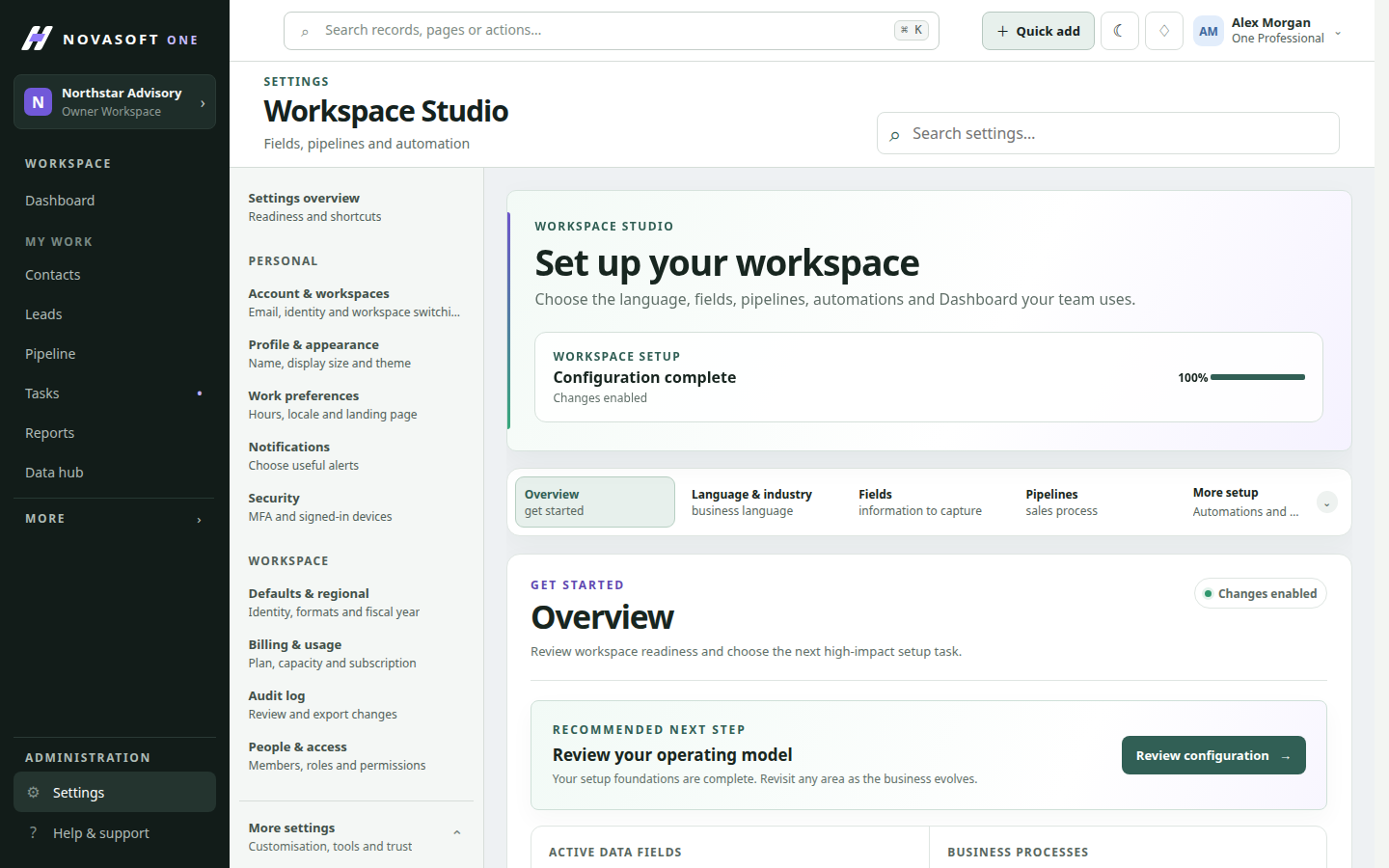
Manage supported fields, terminology, pipelines and saved views from workspace configuration controls. Adapt the setup as teams learn what information they need to see and capture.
Manage supported fields, language, pipelines and saved views with deliberate configuration controls.
Keep field, pipeline and saved-view changes in one governed workspace area.
When to use it
A working path
Open the configuration area and choose the supported field, label or pipeline control.
Make the required workspace adjustment with the appropriate permission.
Review the result in the relevant operational view and update team guidance if needed.
Illustrative scenario
A sales administrator renames a stage and checks the board with the team before using it in the next forecast review. Because the change is shared, the administrator can check the operational screen immediately and tell the team what new label, field or stage they should use next.
Before you start
No. Workspace configuration follows the relevant access permission.
Supported saved views can be managed from workspace configuration.
Get started
Start with the core CRM for free, then add the tools your team needs.