Lead forms
Build branded public forms that map answers into CRM fields.
Capture source and campaign attribution, route new leads, and apply duplicate-safe enrichment and abuse controls.
Make the first interaction easier
Let customers enquire and book without losing attribution, availability or control over public entry points.
What you can do
Build branded public forms that map answers into CRM fields.
Capture source and campaign attribution, route new leads, and apply duplicate-safe enrichment and abuse controls.
Publish bookable event types with timezone-aware availability.
Use exceptions and busy blocks, prevent slot collisions, and connect confirmed appointments to CRM and Planner records.
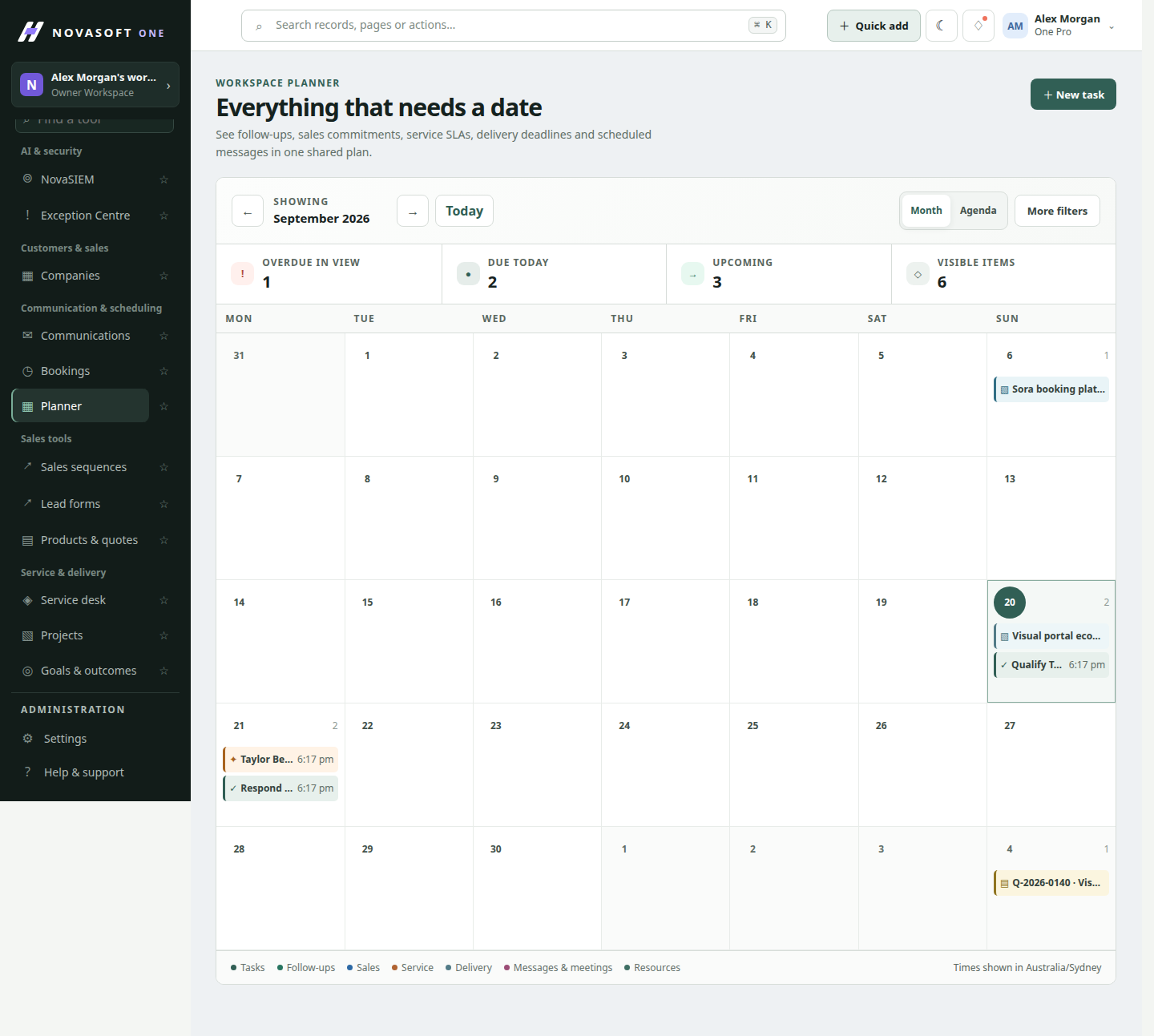
See work and dates together in month and agenda views.
Bring tasks, follow-ups, deal dates, service deadlines, bookings, projects and scheduled messages into one calendar.
Coordinate shared people, rooms, vehicles, equipment, locations and classes.
Respect capacity and existing reservations when scheduling work, with a governed availability view.
The reservation workflow checks availability when the booking is made and is designed to prevent conflicting appointments.
No. Published forms and booking pages are public entry points, with server-side validation and bot protection.
Keep exploring
Get started
Start with the core CRM for free, then add the tools your team needs.