
What it covers
Track source, status, owner and follow-up, with duplicate-aware conversion into contacts, companies and deals.
Leads and sales
Collect, assign and work new enquiries before they become customer records.
How it works
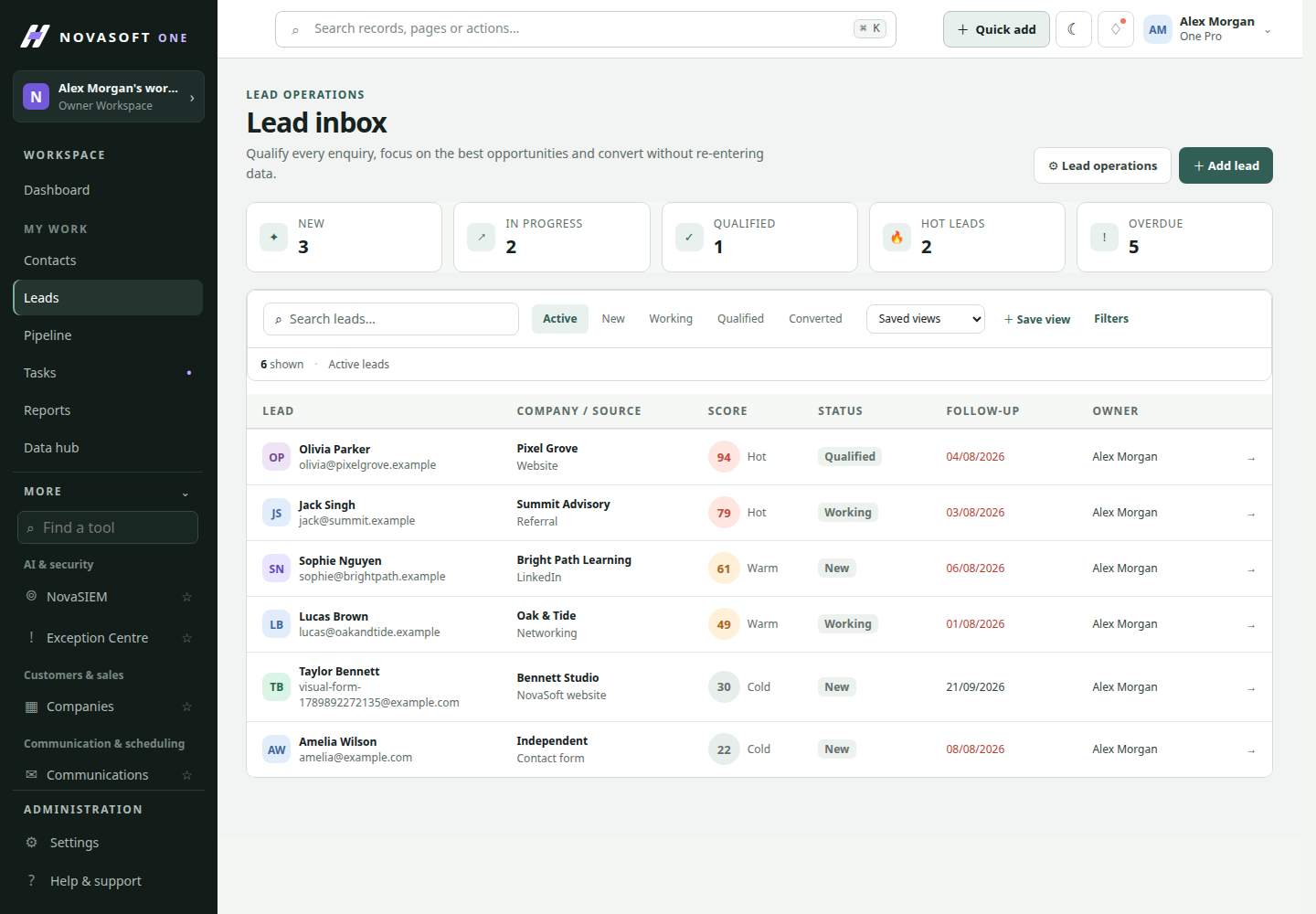
Collect incoming leads in a shared inbox, assign an owner and track source, status and follow-up. When an enquiry is ready, convert it into the CRM with checks that help avoid duplicate customer records.
Track source, status, owner and follow-up, with duplicate-aware conversion into contacts, companies and deals.
Review the existing relationships before creating linked contacts, companies and deals.
When to use it
A working path
Review the lead’s source, status, owner and follow-up details. Search or filter the inbox to focus on unassigned or time-sensitive enquiries, then assign a person to take the next step.
Open the lead and review its captured details and activity. Add the information needed to decide whether it is a fit, and keep the status aligned with the team’s actual progress.
When the lead is ready, use the conversion path to review existing relationships and choose how it should connect to contacts, companies and a deal. Confirm the proposed links before completing conversion.
Illustrative scenario
A rep filters for leads from an event, checks the person’s company and notes, assigns a discovery call, then converts the qualified opportunity after confirming no duplicate contact exists.
Before you start
The conversion workflow checks existing relationships and lets the user review the proposed path before proceeding.
Lead ownership and follow-up are part of the inbox context where your permissions allow them.
Get started
Start with the core CRM for free, then add the tools your team needs.